Image size
The image shown on the kiosk is taken from Deliverect — the image that was uploaded for the dish or menu item. Because those uploads often have different sizes, in some cases you need to control the scale.
Product images on the r_keeper kiosk look best when they are prepared at a suitable resolution and cropped cleanly. The largest image display area on the kiosk is 512×512 pixels, so use source images of at least that size.
Recommended size
Use images of at least 512×512 pixels. That matches the maximum display size of a product image on the kiosk.
Best practices
- Use exactly 512×512 and crop the images yourself in advance so product photos look consistent across the menu; or
-
Use a substantially larger image and fine-tune how it appears on the kiosk with the Deliverect
meta tag
imgScale. -
Avoid large amounts of white space or padding around the subject. Extra empty area usually means
you need more scaling adjustment with
imgScaleto get a good result.
imgScale meta tag
To change how a product image appears on the kiosk, set the Deliverect meta tag
imgScale on the item:
1— no change (default scale)- Less than
1(for example0.8) — smaller on the kiosk - Greater than
1(for example1.2) — larger on the kiosk
The imgScale meta-data value is optional. If it is not set, the image is shown
1:1 as in Deliverect.
How you fill it out in DeliverectSet the 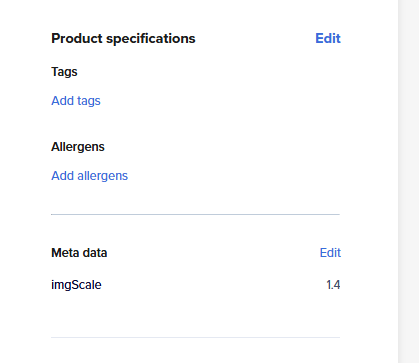
|
How you get it in r_keeper kioskThe product image is scaled on the kiosk according to 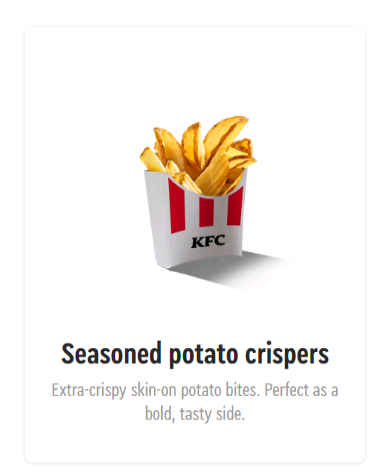
|